Work / Frame 08 — Conversation & Admin CMS08 of 16
Conversation & Admin CMS
An admin CMS that lets showroom teams feed a virtual assistant everything it needs to talk about a vehicle.
CoverWeb app
 381 × 251
Overview
Virtual assistants are becoming part of everyday life, and connecting them to other devices makes tasks easier to carry out. Interactive, engaging features built on a virtual assistant can improve the experience and help build a stronger relationship with the customer.
For this desktop project, the client wanted a content management system for showrooms. Through it, a virtual assistant could share product information such as models, variants, modes, design, engine, safety, infotainment and other specifications. The goal was to bring out each vehicle’s unique selling points and start a conversation with customers about it.
The problem
The main challenge was to design a module that makes it easy for admins to manage all of this information clearly and intuitively.
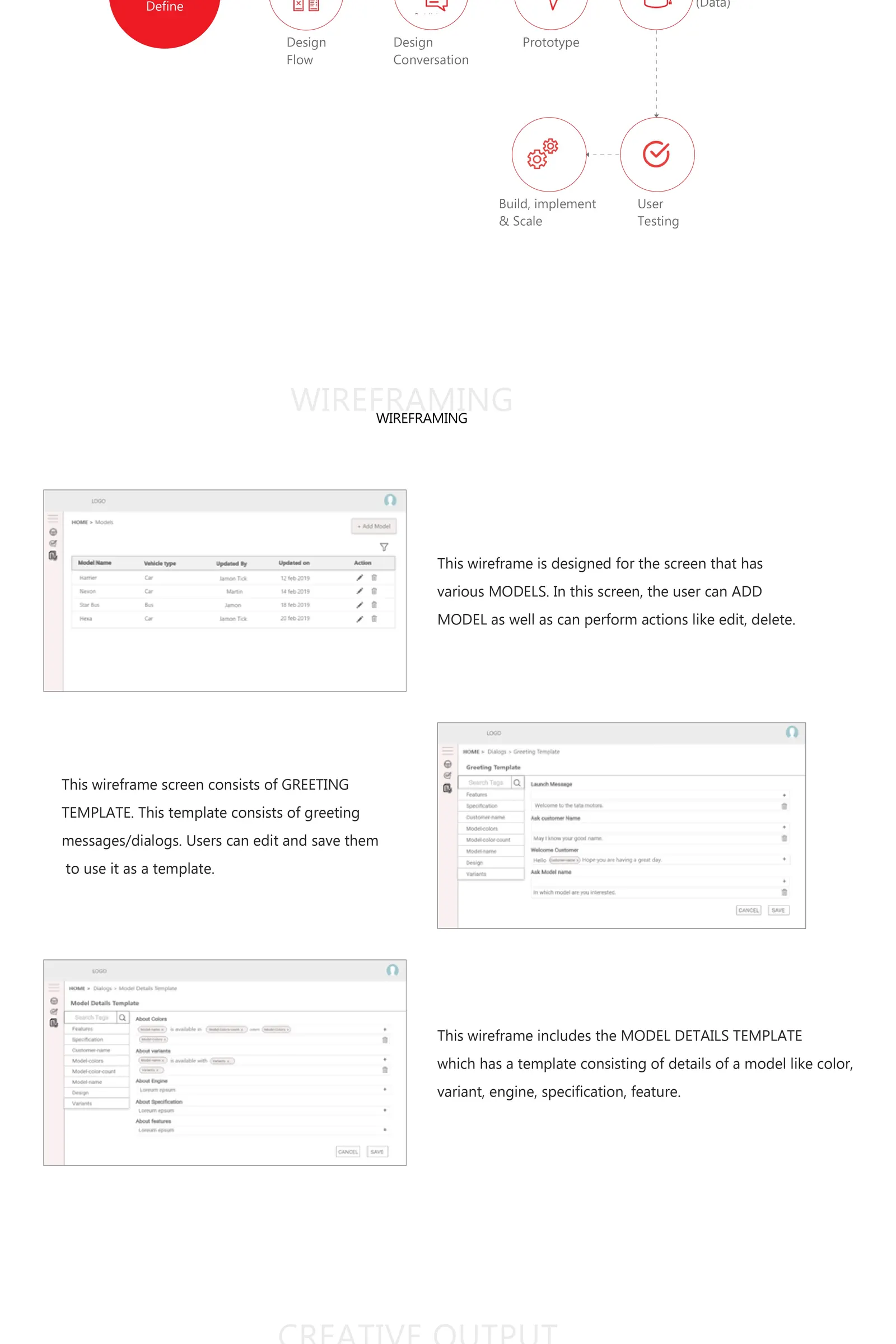
Process
We worked through a conversational-product process:
- Define the scope and content
- Design the flow and design the conversation
- Prototype
- Create training data for the assistant
- User testing
- Build, implement and scale
Key features
The wireframes covered the core admin screens:
- Models: a list of the vehicle models, where admins can add a new model and edit or delete existing ones.
- Greeting template: greeting messages and dialogues that admins can edit and save as reusable templates.
- Model details template: a structured template for each model’s colour, variant, engine, specifications and features.
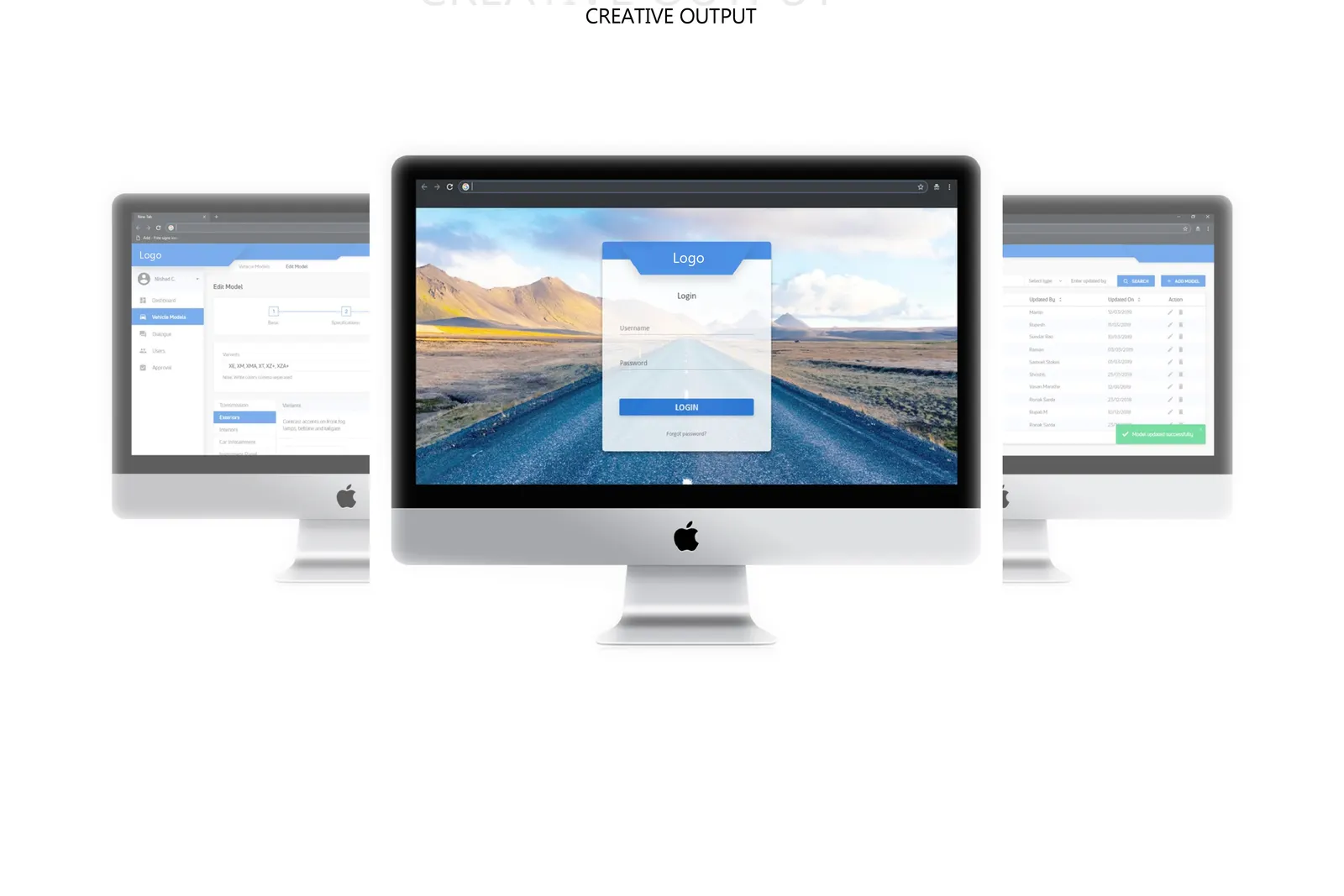
These screens were then taken through to the final creative output.
Frame — Boards
Screens & process